




WhatsApp Marketing

Turn WhatsApp Into a Customer Growth Channel.

Campaigns, Conversations and Follow-Ups—Connected.

Growbro helps businesses organize WhatsApp marketing from one platform. Create campaigns, manage approved templates, reach relevant customer segments and connect marketing messages with automated customer conversations.

Whether you're announcing a new collection, promoting an offer or reconnecting with existing customers, make your WhatsApp communication more organized and relevant.

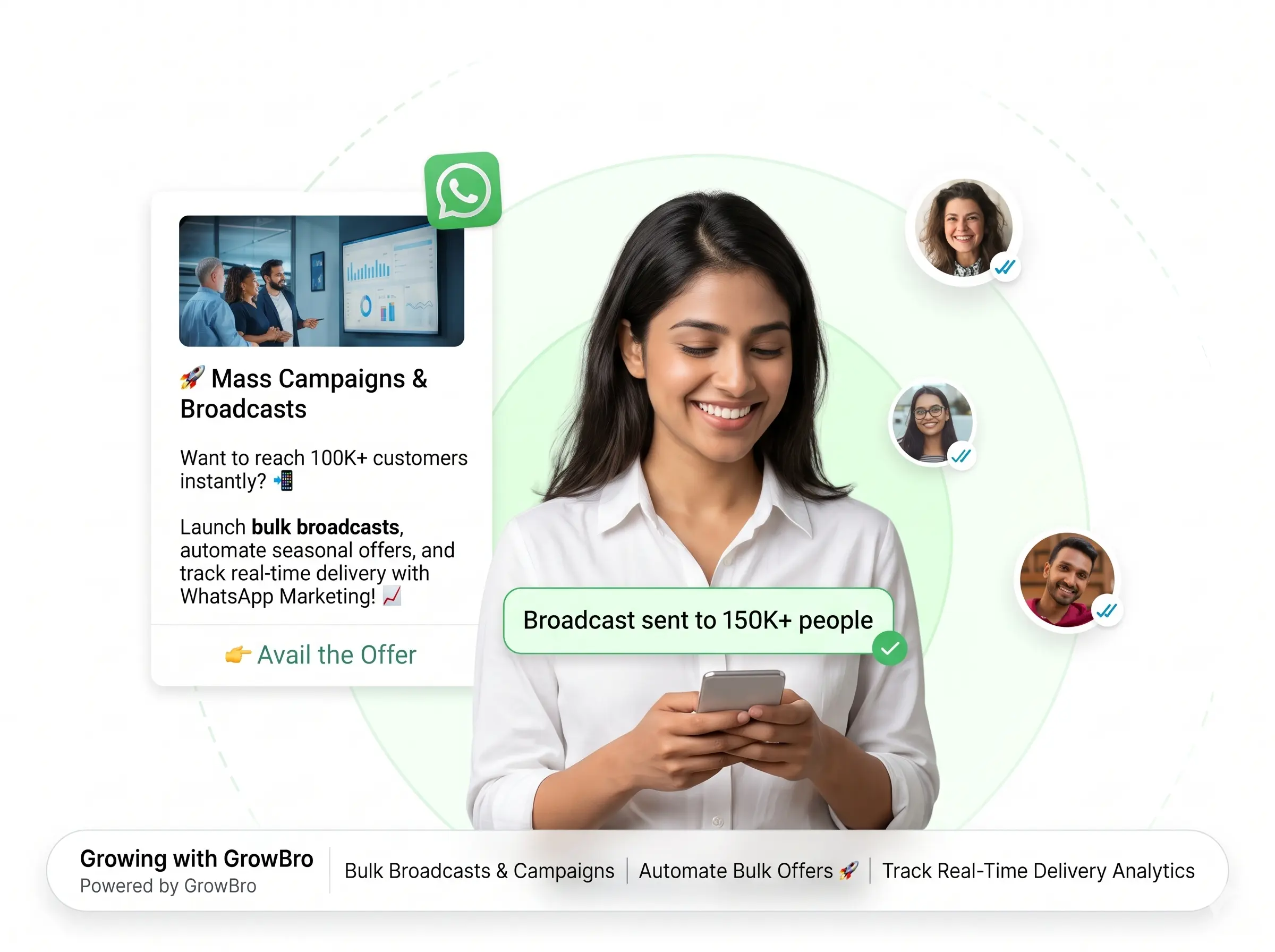
WhatsApp marketing campaign with a customer reply and AI conversation

Trusted by 2000+ businesses

3 Square Marketing
Accurate Ampere
Achivia
Beyond Seen
Bharat Marble Company
DigiVeritaz
Divine Talk
ELT Corporate
Inflyix
Kamkus College of Law
Keddy Edtech
Laxsho
IHM Rohtak
Mythri Tours and Travels
Nubra
Prochem
Reverse Thought Studio
Simple Energy
The Cure Cabin
3 Square Marketing
Accurate Ampere
Achivia
Beyond Seen
Bharat Marble Company
DigiVeritaz
Divine Talk
ELT Corporate
Inflyix
Kamkus College of Law
Keddy Edtech
Laxsho
IHM Rohtak
Mythri Tours and Travels
Nubra
Prochem
Reverse Thought Studio
Simple Energy
The Cure Cabin
Key capabilities

Everything You Need to Manage WhatsApp Campaigns

Plan campaigns, manage templates, organise audiences and connect replies to follow-ups.

Campaign Management

Create and organize marketing campaigns for eligible audiences. Manage campaign details and monitor available performance metrics.

  • Organise your campaigns in one place
  • Choose the audience and message for each campaign
  • Track the performance metrics available to you

Broadcast Messaging

Send supported WhatsApp messages to relevant customer lists while following consent, template and platform requirements.

  • Reach relevant customer lists
  • Works with your approved templates
  • Built around consent and platform requirements

Template Management

Manage approved message templates for supported business-initiated communications.

  • Keep approved templates organised
  • Reuse templates across campaigns
  • Made for supported business-initiated messages

Customer Segmentation

Organize audiences using available customer data so your campaigns can be more relevant to different customer groups.

  • Group customers using available data
  • Match each message to the right group
  • Keep your audiences relevant

Automated Flows & Follow-Ups

Configure workflows that respond to defined triggers and customer actions, with appropriate follow-ups for enquiries and campaign responses.

  • Start flows from defined customer actions
  • Set follow-ups for enquiries and replies
  • Connect replies to AI conversations

Campaign Analytics

Review available delivery, engagement and campaign metrics to understand how your communication performs.

  • Review the delivery metrics available
  • See the engagement metrics available
  • Use what you learn in your next campaign
How it works

From Campaign to Conversion

A campaign should not be the end of the customer journey.

1

Create the campaign

Set up your campaign and decide what you want customers to do next.

2

Choose template and audience

Select an approved template and a relevant customer segment.

3

Send or schedule

Send supported messages to eligible customers, following consent and platform requirements.

4

Continue the conversation

When customers reply, supported workflows can connect them to AI conversations and next actions.

5

Review and refine

Check the available campaign metrics and improve your next campaign.

Use cases

What Can You Do With WhatsApp Marketing?

Five ways businesses use configured campaigns and follow-ups.

Launch a New Product

Announce new products or collections to eligible customers and guide interested shoppers toward product information.

  • Share the announcement with eligible customers
  • Point interested shoppers to product details
  • Continue the conversation when they reply
U

Urban Loom

Business account

New arrival: our Linen Collection is here. Want a quick look?

Linen Collection

New arrivals

View collection
11:00
Yes, show me the cushion covers
11:02✓✓
Here are the cushion covers from the new collection.

Cushion covers

Several colours

View products
11:02
Message

Promote an Offer

Communicate relevant offers to appropriate audiences using approved templates and supported campaign workflows.

  • Use approved templates for your offer message
  • Send it to the audience it is meant for
  • Answer follow-up questions in the same chat
O

Oak & Ivy

Business account

Our weekend offer is live. Tap below for the details.

Weekend offer

Terms apply

See offer
09:30
Does it apply to all items?
09:34✓✓
The offer applies to selected items. Here is the list.

Eligible items

Selected products

View list
09:34
Message

Reconnect With Existing Customers

Create re-engagement campaigns for eligible customers who have previously interacted with your business.

  • Reach customers who have talked to you before
  • Share what is new since their last visit
  • Let them reply and explore in chat
G

Green Leaf Home

Business account

Hi Riya, it has been a while! Here is what is new at Green Leaf Home.
17:10
Any new table lamps?
17:12✓✓
Yes, a few new designs have just arrived.

New table lamps

Just added

Browse lamps
17:12
Message

Follow Up on Enquiries

Connect a customer's initial enquiry to a configured follow-up workflow.

  • Reach out after an enquiry comes in
  • Collect the details your team needs
  • Hand over to your team when it is time
S

Skyline Interiors

Business account

Hi Aman, thanks for your enquiry about bulk orders. Shall we share the details?
14:20
Yes please
14:22✓✓
Great. What quantity are you looking for?
14:22
Around 50 pieces
14:24✓✓
Thanks! We have noted your requirement and our team will follow up.
14:24
Message

Support Repeat Purchases

Use relevant customer communication to encourage customers to explore products and return to your store.

  • Thank customers after an order
  • Suggest products they may like
  • Take them back to your store in one tap
C

Casa Verde

Business account

Thanks for shopping with us, Neha! These candles may go well with your last order.

Scented candles

Picked for you

View candles
19:05
Show me the lavender one
19:08✓✓
Here it is.

Lavender candle

Open in our store

View product
19:08
Message
Real-world example

One Campaign. Many Conversations.

See how a configured campaign can reach an opted-in audience on WhatsApp, then continue the conversation when customers reply.

  • Right message, right audience

    Campaigns can be sent to the segments you choose, using message templates set up for your business.

  • Replies become conversations

    When customers reply, the AI agent can answer questions and collect details in the same chat.

  • Hand over when it matters

    Interested customers can be routed to your team, with the conversation context kept together.

Integrations

Connect Campaigns to the Tools You Use

Link your campaigns and customer conversations with supported business tools.

Customer channels

Growbro
AI Agent

Your business tools

SZHG

Business tools

Share conversation details with the tools your team uses.

  • SShopify
  • ZZoho CRM
  • HHubSpot
  • GGoogle Sheets

Need a different tool? Ask our team

Make Every Campaign More Intentional

Bring WhatsApp messaging and customer engagement together, with workflows designed around your business goals.

  • Free to get started
  • No credit card needed
  • Setup in minutes
Got questions?

Frequently Asked Questions

Answers to common questions about WhatsApp campaigns, templates and follow-ups.